I am testing out some different ways of curating resources to try to figure out the pros and cons of each service and which one works best for my style of working.
To do that, I entered the same 10 web-based resources I wanted to keep for later into three different curation services. All ten resources are focused on LGBTQIA+ curriculum in the library, since this is The Queer Librarian after all!
What did I test?
I chose three platforms:
- Wakelet: Describes itself as “The all in one content platform. Bookmark, organize, collaborate and present. All under one roof.” I chose this one because I had never heard of it before, and it said it had multiple integrations with other productivity apps, which was appealing for potential use at school.
- Evernote: The note-taking platform claims that “with Evernote, you have everything you need to keep life organized. Use it for note taking, project planning, and to find what you need, when you need it.” I chose Evernote because this is an app I often hear people refer to when they discuss getting organized.
- Padlet: Describes itself as “visual collaboration for creative work and education.” Padlet was my third choice because while I have accessed padlets in classes during my master’s degree, I had never experimented with making one myself! Anecdotally this seemed to be commonly used in education, so I wanted to have experience with using it.
How did it go?
Wakelet
I started first with Wakelet because I was very curious about the platform and didn’t know what to expect. The process of inputting the information was pretty seamless but it had one major drawback: it was very glitchy when it came to re-ordering the links. After many, many frustrating attempts to get the links to stay in a certain order, I eventually gave up and moved on to the next platform. This glitch seemed to happen specifically each time I edited one of the link’s information.
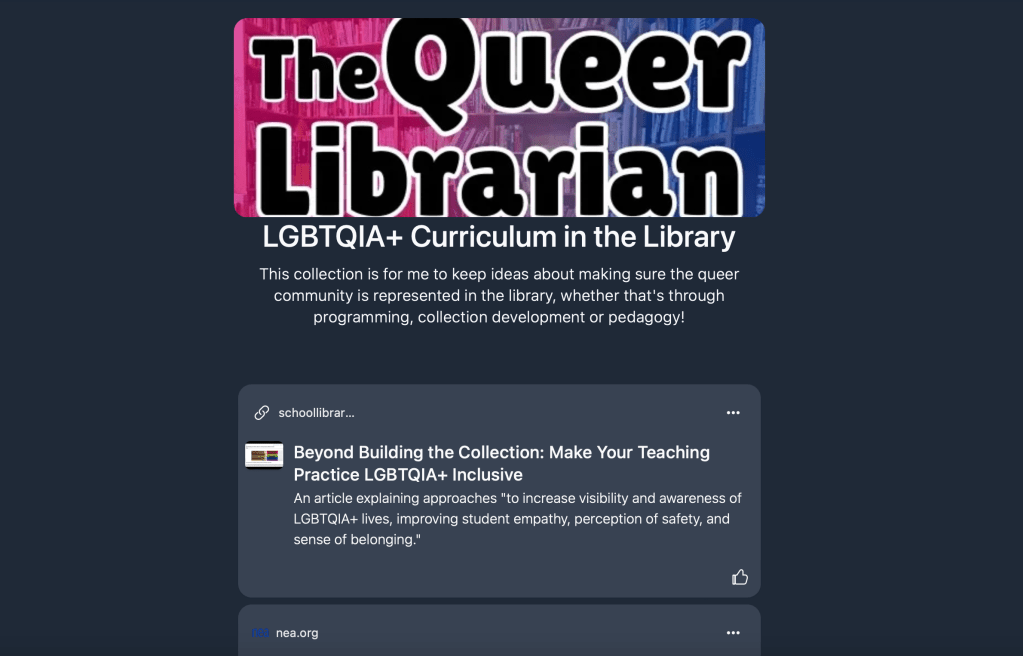
My finished Wakelet list is here.
Evernote
Evernote seems infinitely customizable, but for making something that looks like a finished product, rather than just a document, I think more time is needed to get acclimated to the platform than the other two I chose. That said, if you are looking to have all of your information in one place only, Evernote seems the most versatile. You can save notes, files, tasks and calendars, making it more robust for collaboration than the other two options.
For my Evernote version, I essentially ended up with a text-heavy web-based list. I could have added photos, but it didn’t automatically attempt to import any when I inserted links. If photos are important for you, this may be a drawback. For me personally, I prefer text-based lists because less scrolling is needed. For my elementary school students, I would likely want something more image-based.
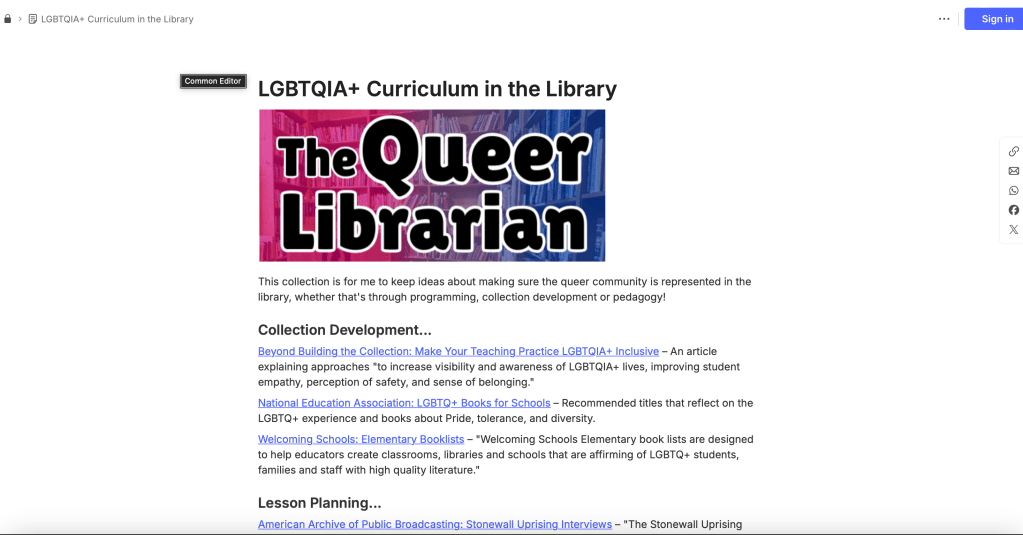
My finished Evernote note is here.
Padlet
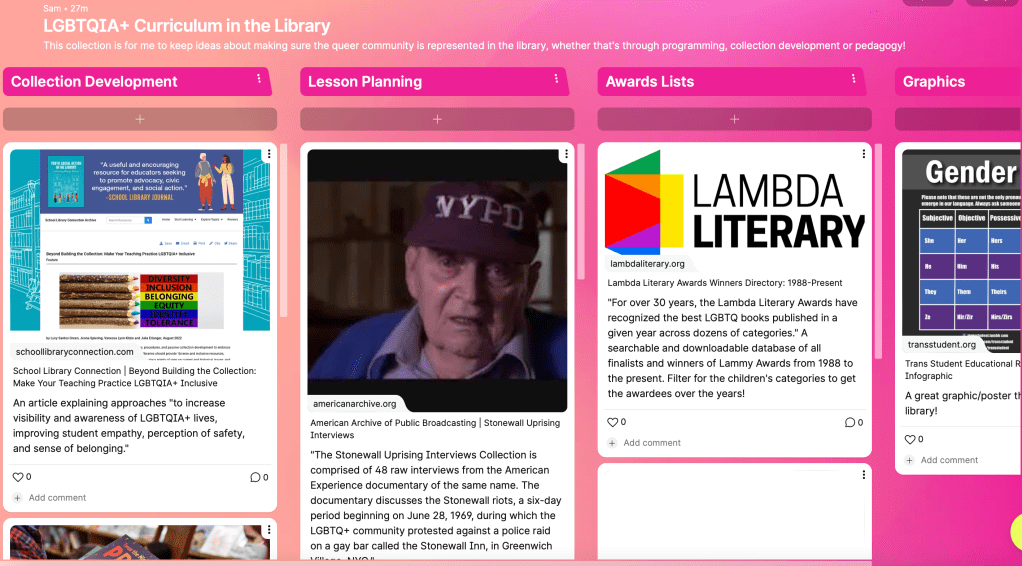
It is clear to me why Padlets have been used so much in library school after this experience. It was very easy to add my links, reorder them, change the formatting, and retain all of the information I wanted to have about each link. Padlet attempted to import images for me, and I added an image when it wasn’t able to identify one.
What am I taking away from this?
I think for resource curation for elementary school students, I plan to lean on Padlet. It was really easy to input links and it looks more like a complete project.
For my personal productivity and note-taking, I would probably rely on Evernote. I think the sharing is just as easy as the other two platforms if I want to share a list with someone, but the integration with notes, tasks and the calendar makes Evernote great for personal productivity use.
I can imagine using this in the library to coordinate among staff and volunteers to curate resources that will make us more effective in the library.
In the library, I am going to have such a limited amount of time to get through lessons. When we are working on researching a topic together, I think curating an initial list of resources to explore will often be instrumental in making sure we use our time wisely. I think these resources will also be great tools for the students to get used to using for their research.
If you want some awesome ideas of curation projects to do with your students to get them using these tools, Cult of Pedagogy’s Jennifer Gonzalez has some fantastic ideas in this blog post (which you can also listen to as a podcast!).
So what curation tools do you use? Do you have one tool to rule them all, or is it a combination? Tell me in the comments below!


 The Queer Librarian
Leave a reply to Natascha Will Cancel reply